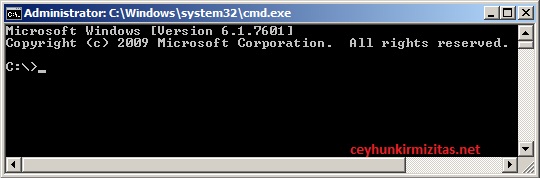
The default Command Prompt (CMD.exe) directory is usually your Documents and Settings \ Username directory. Most of the time you navigate away from it because you need to access files that cannot be accessed from there.

If you wish to change the default startup directory for Command Prompt, use the steps listed below
To change the default Command Prompt directory:
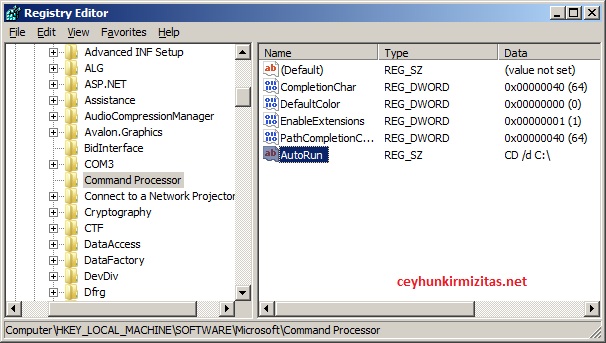
1- Click Start, Run and type Regedit.exe
2- Navigate to the path HKEY_CURRENT_USER \ Software \ Microsoft \ Command Processor
3- In the right-pane, double-click Autorun and set the startup folder path, for example by ” CD /d C:\ ” without quotes. If Autorun value is missing, you need to create one, of type REG_SZ (String Value) in the above location.
Example1: To set the startup directory to C:\Windows, set the Autorun value data to CD /d C:\Windows
Example2: To set the startup directory to D:\ , set the Autorun value data to CD /d D:\
Changes take effect immediately which means you can test right away. The default directory for the Command Prompt is changed before it is displayed which means that you already start in the folder that you have selected.