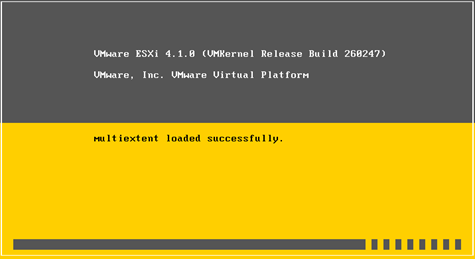
You might experience significant delays while booting your ESX/ESXi 4.x hosts that have passive MSCS nodes with RDM LUNs on a SAN. This could be because conflicts between the LUN SCSI reservations.
For ESX and ESXi 4.1 hosts
To resolve this issue in ESX/ESXi 4.1 hosts, you must modify the Scsi.CRTimeoutDuringBoot parameter from the GUI.
To modify the Scsi.CRTimeoutDuringBoot parameter:
- Go to Host > Configuration > Advanced Settings.
- Select SCSI.
- Change the Scsi.CRTimeoutDuringBoot value to 1.
For ESX and ESXi 4.0 hosts
The Scsi.UWConflictRetries parameter for ESX/ESXi 4 Update 1 hosts have a default value of 1000. This increases the time spent enumerating LUN and VMFS volumes.
To resolve this issue and to speed up the boot process, modify this value to 80.
To modify the Scsi.UWConflictRetries parameter from the GUI:
- Go to Host > Configuration > Advanced settings.
- In the Advanced settings window, select SCSI.
- Change the Scsi.UWConflictRetries value to 80.