How to Install Prerequisites for McAfee Vulnerability Manager (Foundstone) on Windows Server 2008 R2 and SQL 2008 R2

How to Install Prerequisites for McAfee Vulnerability Manager (Foundstone) on Windows Server 2008 R2 and SQL 2008 R2

Security
Be aware that Windows 2008 is not supported with any service pack level. So, you must go with Windows Server 2008 R2. IIS Installation on Windows Server 2008 R2: Start -- Administrative Tools --- Server Manager. In the console tree , select Roles. Select Add Roles. Select Web Server (IIS) role to install. Select Role Services from the left pane. Select CGI under Application Development. Click Next, then click Install. Once the installation is complete, click Close. Microsoft SQL Server 2008 R2 Installation Settings: Use the following settings when setting up your Microsoft SQL Server 2008 R2. Database Engine Services, including all sub-features Client Tools Connectivity Client Tools Backward Compatibility Management Tools (complete)
Read More
How to Manage Local Password Policy on Windows Server 2008 Core

How to Manage Local Password Policy on Windows Server 2008 Core

Video Tutorials, Windows Server
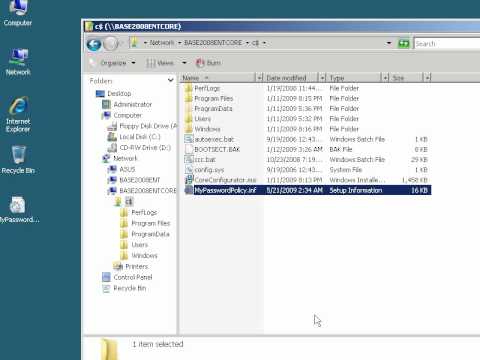
Windows Server 2008 Core is a minimal server installation option for computers running on the Windows Server 2008 operating system. Server Core provides a low-maintenance server environment with limited functionality. Windows Server 2008 Core supports the following server roles: Active Directory Domain Services (AD DS) Active Directory Lightweight Directory Services (AD LDS) DHCP Server DNS Server File Services Print Services Streaming Media Services Internet Information Services (IIS) Virtualization Local Security Policy allows enforcing many system, user and security-related settings, such as password policy, audit policy and user rights. Event Viewer can then be used to check log events.
Read More
Wake on Lan (WOL) Does NOT Work After Upgrading to Windows 10 from Windows 8.1 or Windows 7

Wake on Lan (WOL) Does NOT Work After Upgrading to Windows 10 from Windows 8.1 or Windows 7

Windows 10
What is Wake on LAN (WOL): It is powerful and convenient feature that enables users to remotely power up their computer over a network, saving energy while also allowing remote access to the computer when needed. Problem: Wake on LAN (WOL) stopped working after upgrading to Windows 10 from Windows 8.1 or Windows 7. In my case, I use Realtek PCIe GBE Family Controller. Even though I did all settings for WOL such as  disabling turn on fast startup, configuring adapter options related to WOL, and etc, WOL is not working. My environment: Previous OS: Windows 8.1 Pro x64 Current OS: Windows 10 Pro x64 Mainboard: Asus H87-Plus NIC: Onboard Realtek PCIe GBE Family Controller NIC driver version: 9.1.401.2015 released on April 1, 2015 Cause: Realtek Ethernet Card driver that comes with Windows update…
Read More
Design Best Practices for VMware vSphere 4.1 and NetApp or EMC Storage

Design Best Practices for VMware vSphere 4.1 and NetApp or EMC Storage

VMware
Best Practices for VMware and Storage The best flexibility comes from a combination of VMFS and NFS Use NetApp or EMC vCenter plug-ins to automate your storage vendor best practices Use Multiple NFS datastores and 10GbE ( 1GbE requires more complexity to address I/O scaling due to one data session per connection with NFSv3) Avoid RDMs, use VMFS pools or NFS pools Make the VMFS and NFS datastores big Use SIOC if you have vSphere 4.1 or later ( Even if you do not use shares, it will ensure no VM swamps the others) Exception: Create planned datasore designs rather than having big pools for larger IO use cases. Oracle, Exchange, SAP etc.  
Read More
Tech Support Mode has been disabled by the Administrator on ESXi 4.1

Tech Support Mode has been disabled by the Administrator on ESXi 4.1

VMware
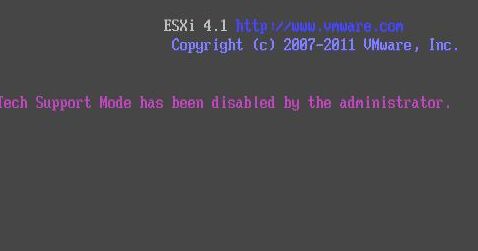
Tech Support Mode (TSM) provides a command-line interface that can be used by the administrator to troubleshoot and correct abnormal conditions on VMware ESXi hosts. To access the local TSM: At the main DCUI screen, press ALT+F1 simultaneously. This opens a virtual console window to the host. Provide credentials when prompted.Note: When typing the password, characters are not displayed on the console. Tech Support Mode has been disabled by the Administrator on ESXi 4.1 If " Local Tech Support " daemon does not running, you get " Tech Support Mode has been disabled by the Administrator " when accessing to the local TSM. To enable local TSM from the vSphere Client: Select the host and click the Configuration tab. Click Security profile > Properties. Click Local Tech Support and click…
Read More
How to Install VMware vSphere vCenter Server 5.1.0b on Windows Server 2003 R2 X64 SP2

How to Install VMware vSphere vCenter Server 5.1.0b on Windows Server 2003 R2 X64 SP2

Video Tutorials, vSphere
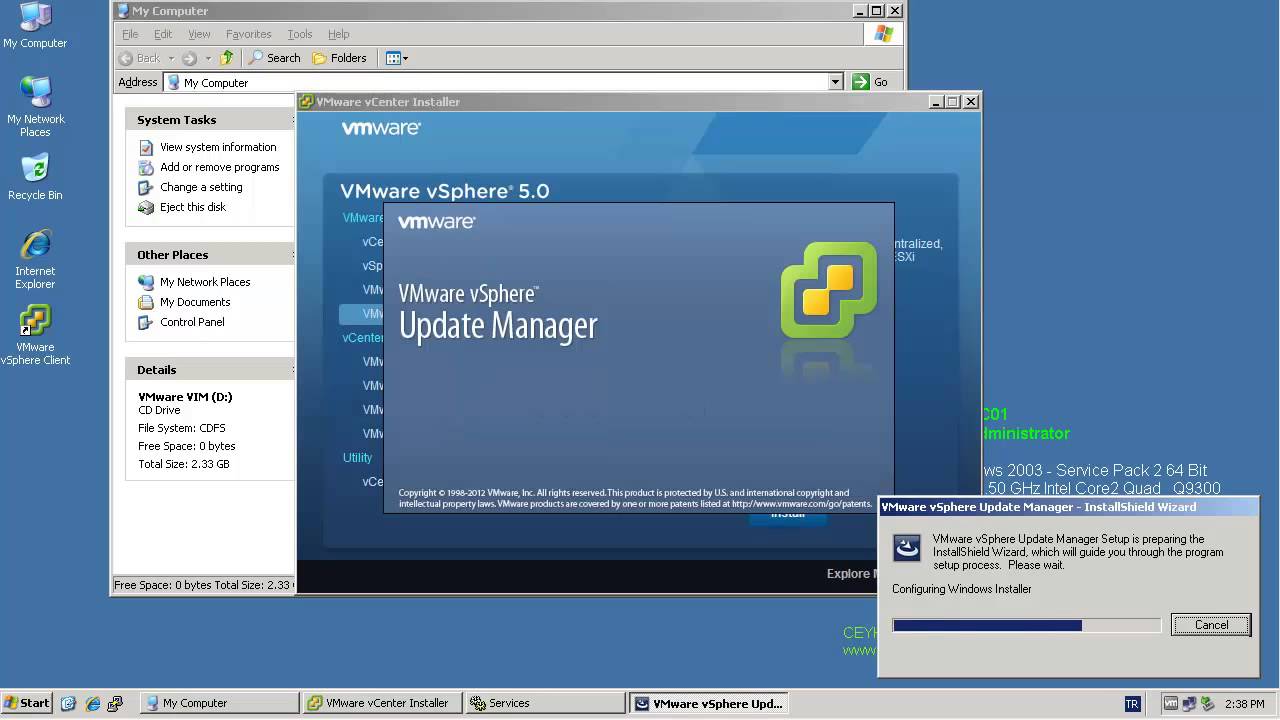
One of most important components of the vSphere environment is vCenter Server. vCenter Server acts as a central management point for managing ESXi hosts. In this video we will install VMware vSphere vCenter Server 5.1.0b using the Simple Install method on Windows Server 2003 R2 X64 SP2. Minimum requirements for the vCenter server Processor: Intel or AMD x86 processor with two or more logical cores, each with a speed of at least 2GHz. Memory: 4GB RAM. RAM requirements may be higher if your database runs on the same machine. Disk storage: 4GB. Disk requirements may be higher if the vCenter Server database runs on the same machine. Supported operating systems Microsoft Windows Server 2003 SP2 64bit Microsoft Windows Server 2003 SP2 64bit Microsoft Windows Server 2008 SP2 64bit Microsoft Windows…
Read More
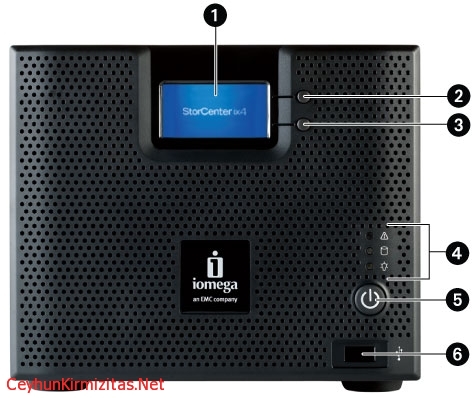
When working in Iomega ix4-200d StorCenter Manager, I occasionally get a “Page cannot be displayed” error, or the page does not show updated information

When working in Iomega ix4-200d StorCenter Manager, I occasionally get a “Page cannot be displayed” error, or the page does not show updated information

Storage
This is an issue with Internet Explorer's default caching of web pages. To resolve this issue, set Internet Explorer to always update the page: 1- Open Internet Explorer. 2- Select Tools and then Internet Options. 3- Under Temporary Internet Files, select the Settings button. 4- Set the default action for "Check for newer versions of stored pages:" to "Every visit to the page". 5- Select OK, then OK again.
Read More

Microsoft Excel Password Recovery Instructions with Office Password Recovery Utility

Office
Often when an employee departs, they take important Excel passwords with them. This guide outlines how to use a simple Excel password recovery application to crack lost or forgotten passwords, allowing you to unlock password-encrypted Microsoft Excel documents quickly as possible. To perform the following recovery steps, you'll need to get the download of Office Password Recovery, available directly here. (2.1Mb). Once you've downloaded the program, run the install with the default options. 1- Click the Open button on the top left, navigate to the protected spreadsheet file. 2- The Open button launches the Recovery Wizard. The Wizard gives you the option of simply decrypting the spreadsheet or displaying the original document password.   Recovery Option 1: 100% Instant Document Decryption This option is the quickest way to access your…
Read More
Exchange 2010 Event ID: 4113 MSExchangeRepl Database redundancy health check failed

Exchange 2010 Event ID: 4113 MSExchangeRepl Database redundancy health check failed

Exchange Server
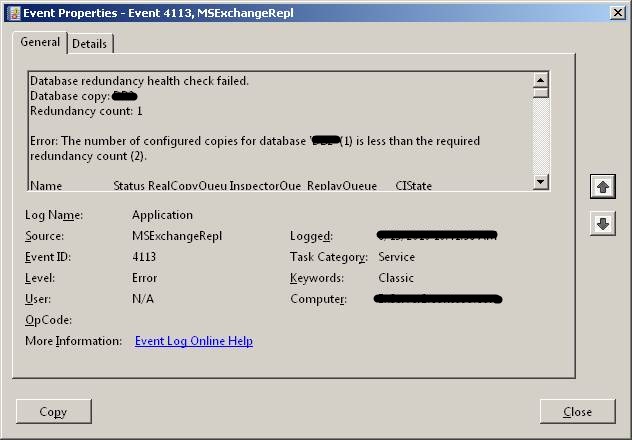
If you are using Database Availability Group (DAG), Microsoft Exchange Replication service monitors database redundancy by calling CheckDatabaseRedundancy.ps1 script in default script folder. It ensures that each replicated database has at least two copies and a healthy copy to make it redundant. CheckDatabaseRedundancy.ps1 script is run hourly by the Microsoft Exchange Replication service to perform a redundancy health check for replicated databases . If Exchange finds that a replicated database doesn?t have sufficient healthy copies, the Microsoft Exchange Replication Service - MSExchangeRepl - logs an event id: 4113 (Error: MSExchangeRepl Database redundancy health check failed) as shown below. The information captured in the event reports that only one copy exists, which is what I expected. The Replication Service will continue to check and log event 4113 for the database every twenty…
Read More
Installing Debian 7.0 Wheezy in VMware Workstation 9

Installing Debian 7.0 Wheezy in VMware Workstation 9

Linux, Video Tutorials
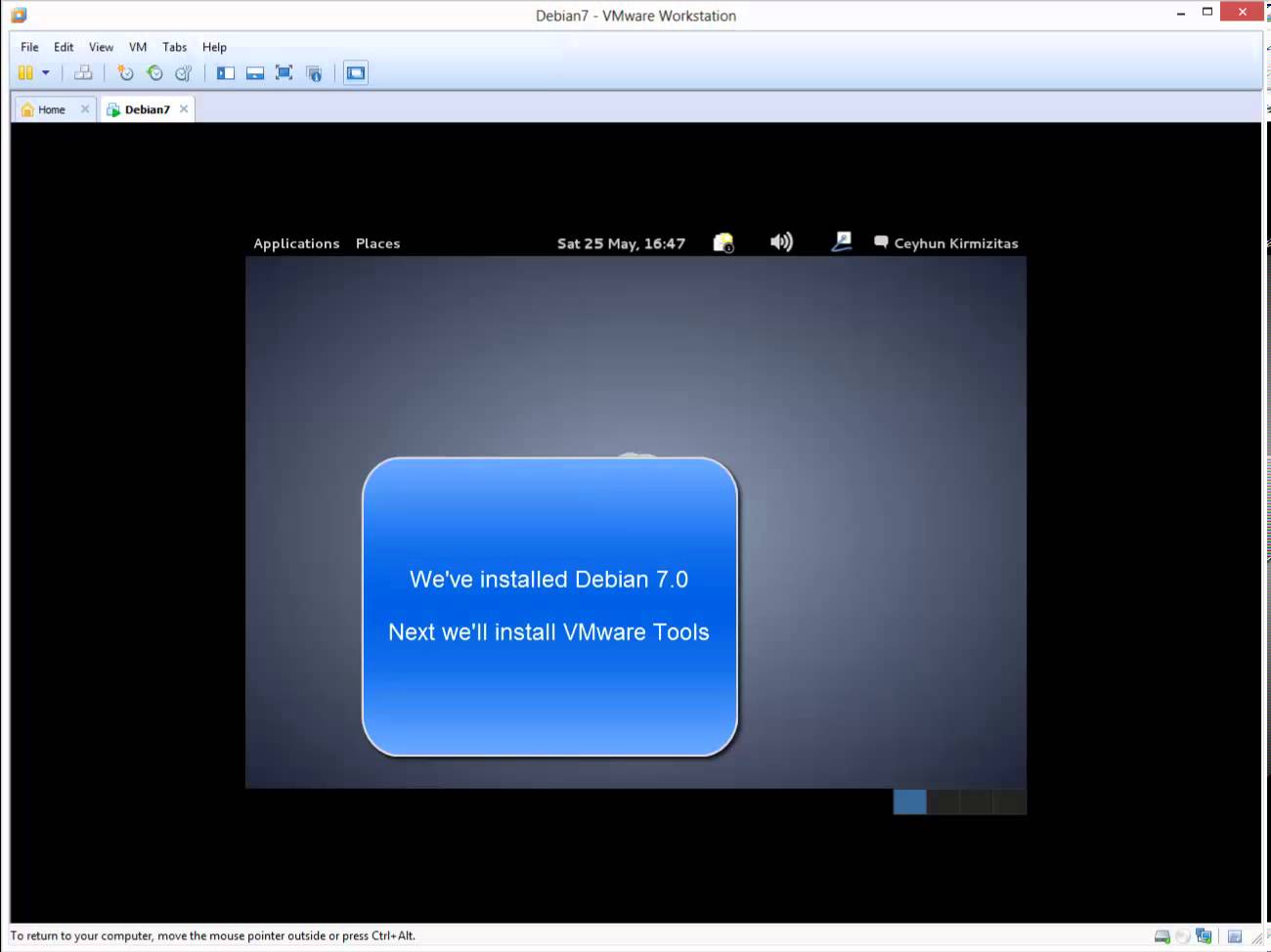
Debian is the most stable and popular non-commercial Linux distribution. It is maintained by a global community of over 1,200 registered developers dedicated to improving and enhancing its functionality. So, new versions of Debian are released only when they are ready. The package management tools in Debian are so well-developed that even commercial Linux distributions such as Red Hat have implemented Debian's technology to handle their packages. Related Video: https://www.youtube.com/watch?v=CdzIzCckr2A Hope you found it informative and useful.Any questions or comments are welcomed.
Read More