How to Install Service Pack in Windows Server Failover Cluster for Windows 2008 R2, Windows 2008 and Windows 2003

Windows Server
The process of applying a service pack to a server failover cluster is almost the same as applying it to Windows 2008 R2, Windows 2008 and Windows 2003. You can install Windows service packs on Windows Server Failover Cluster nodes using the following procedure. Always install the same service packs or hotfixes to each node. Use this procedure to install the service packs unless otherwise directed by a particular service pack version. Open Failover Cluster Manager, and then click Nodes then right-click Node A, and then click Pause. Expand Node A. In the right pane, right-click each Services or applications and then click Move this service or application to another node to move them to Node B. Install the service pack on Node A, and then restart the Node A. In Failover Cluster Manager, right-click Node A,…
Read More
VMware vCenter Server 5.1 Update 1 and ESXi 5.1 Update 1 Released

VMware vCenter Server 5.1 Update 1 and ESXi 5.1 Update 1 Released

vSphere
[caption id="attachment_561" align="alignnone" width="303"] VMware vSphere 5.1 Update 1[/caption]   April 25th, VMware released vCenter Server 5.1 Update 1 and ESXi 5.1 Update 1. This release offers the following improvements: vCenter Server is now supported on Windows Server 2012 Additional vCenter Server Database Support: Microsoft SQL Server 2012 Microsoft SQL Server 2008 R2 SP2 Additional Guest Operating System Customization Support: Windows 8 Windows Server 2012 Ubuntu12.04 RHEL 5.9 Resolved Issues: This release delivers a number of bug fixes that have been documented in the Resolved Issues section in release notes. All new vSphere features are available only through the vSphere Web Client.  vSphere Client will continue to operate,  but not exposing any of the new features in vSphere 5.1. vSphere 5.1 and its subsequent update and patch releases are the…
Read More
How to Install Linux Mint 15 Cinnamon (Olivia) in VMware Workstation 9.0.2

How to Install Linux Mint 15 Cinnamon (Olivia) in VMware Workstation 9.0.2

Linux, Video Tutorials
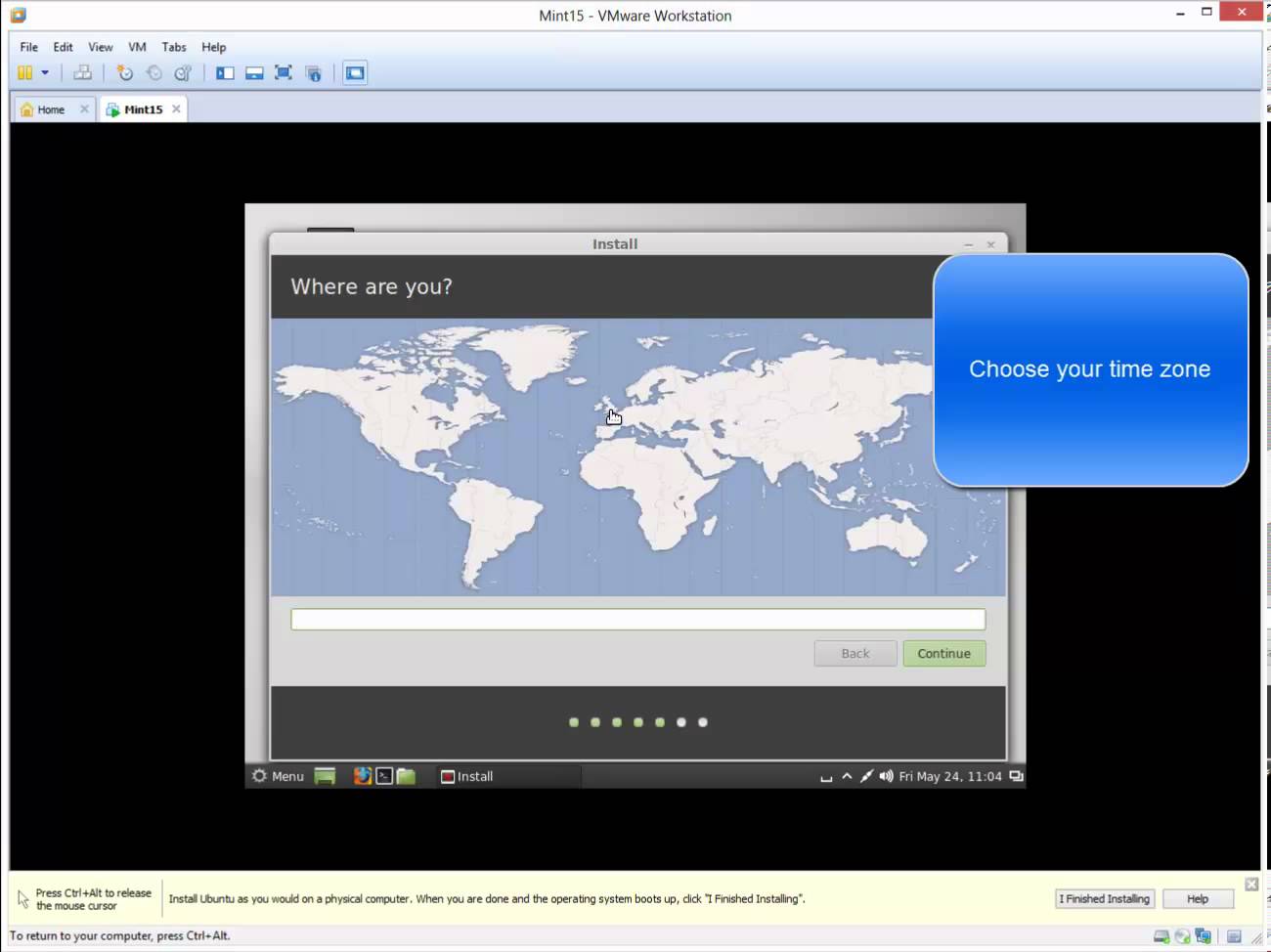
The purpose of Linux Mint is to produce a modern, elegant and comfortable operating system which is both powerful and easy to use. Linux Mint is the most popular desktop Linux distribution and the 3rd most widely used home operating system. Why Linux Mint? These are some reasons for the success of Linux Mint: Free and open source. Community-driven. Based on Debian and Ubuntu, it provides about 30,000 packages. Works out of the box, with full multimedia support and is extremely easy to use. Safe and reliable. Related Video: https://www.youtube.com/watch?v=MMMcwAUi9BA
Read More
Installing VMware ESXi 5.1 Update 1 in VMware Workstation 9.0.2

Installing VMware ESXi 5.1 Update 1 in VMware Workstation 9.0.2

Video Tutorials, vSphere
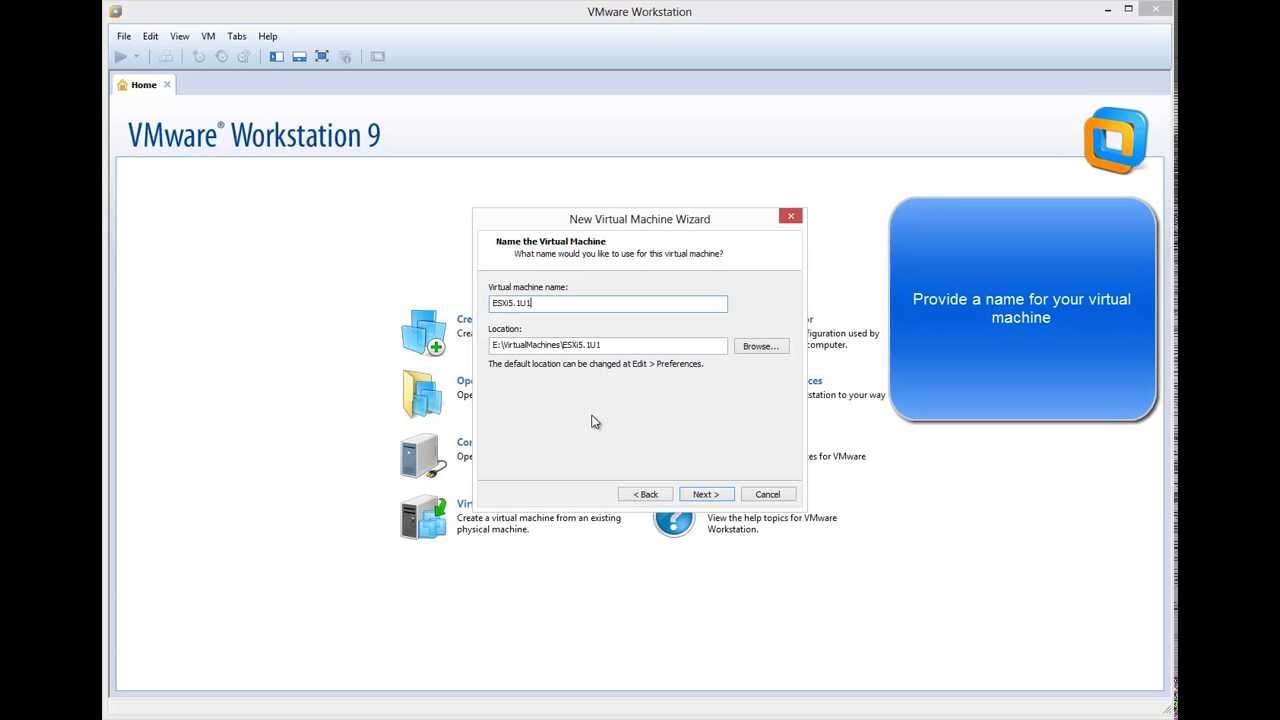
VMware Wosktation allows to run ESXi as virtual machine (virtual environment as virtual machine). It can be very useful to evaluate, experiment and learn vSphere at home.  I will show how easy is to install ESXi 5.1 as virtual machine on VMware Workstation 9. When you run ESXi 5.1 in a VMware Workstation 9 virtual machine you can run virtual machines in that virtualized ESXi-host if your CPU has virtualization support. (You might need to enable it in the BIOS) You will always be able to run 32 bit vm's in the virtual ESXi-host. But running 64 bit virtual machine requires the EPT feature in your Intel-processor (for AMD it's called RVI). Related Video: https://www.youtube.com/watch?v=DMkTJc7ivfQ Hope you found this informative and useful
Read More
How to Perform Dial Tone Recovery in Exchange Server 2010 with Windows Server Backup

How to Perform Dial Tone Recovery in Exchange Server 2010 with Windows Server Backup

Exchange Server, Video Tutorials
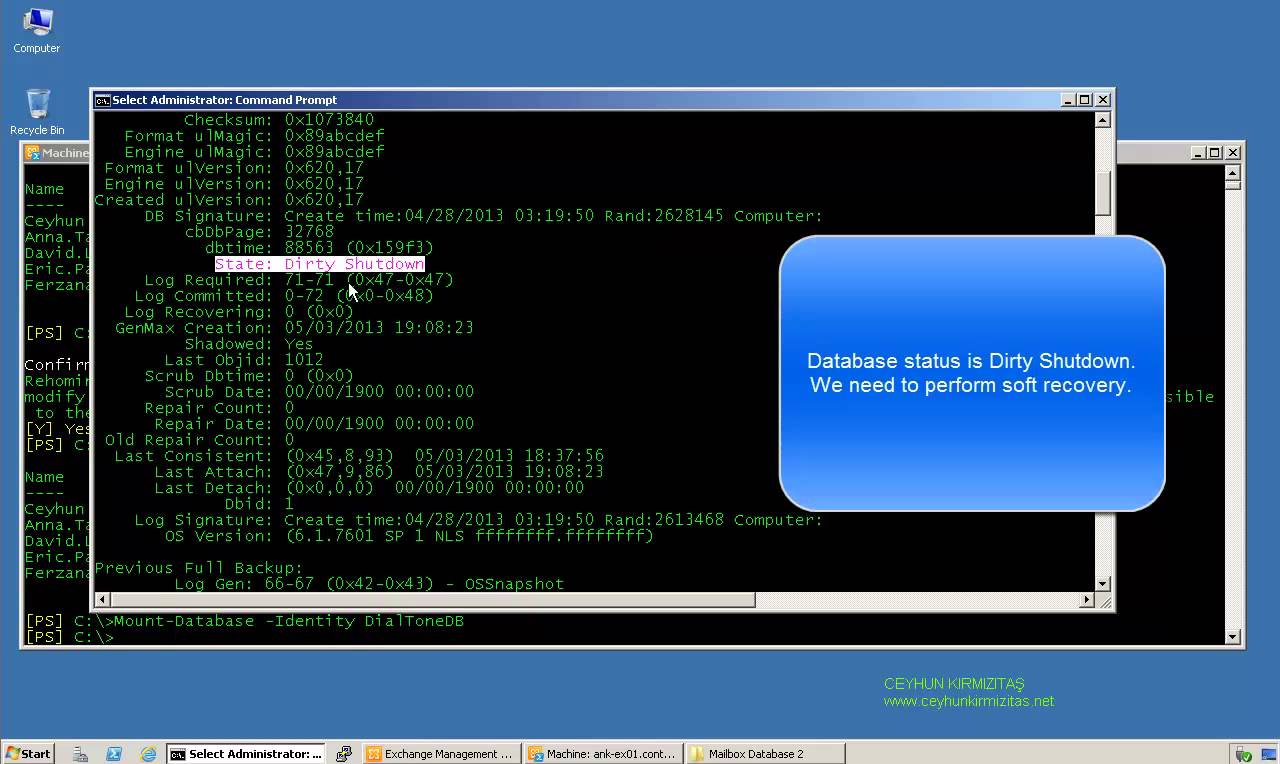
What is Exchange Dial Tone Recovery? Exchange 2010 has many updated and efficient features, which make it a very popular email server, but these useful features do not reduce the chances of data loss. Therefore, a need of a reliable recovery plan is always on the priority, during any disaster. Exchange offers an inbuilt feature to recover Exchange database, named dial tone portability. Using dial tone recovery, users can have a temporary mailbox for sending and receiving email while their original mailbox is being restored or repaired. The temporary mailbox can be on the same Exchange 2010 Mailbox server or on any other Exchange 2010 Mailbox server in your organization. The process for using dial tone portability is called a dial tone recovery, which involves creating an empty database on…
Read More
How to Reset Password in Ubuntu Linux

How to Reset Password in Ubuntu Linux

Linux
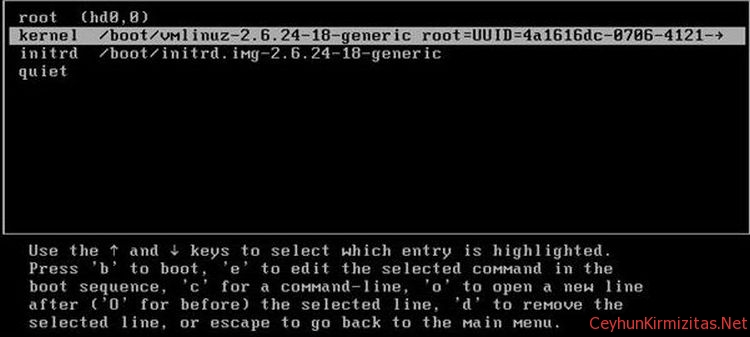
There are many reasons you may need to reset password in Ubuntu Linux: You just installed Ubuntu and forgot what password you selected during the installation. You have too many passwords in your mind. You took Ubuntu from somebody else but you do not know username password. This tutorial shows you how to reset password in Ubuntu Linux. Steps to Reset Ubuntu Password 1. Turn your computer on or Reboot if it is already powered-on. 2. Press ESC at the GRUB prompt. 3. Press e for edit. 4. Highlight the line that begins "kernel ", press e 5. Go to the very end of the line, add rw init=/bin/bash 6. Press enter, then press b to boot your system. Your system will boot up to root shell without prompting password. 7. To reset your password, type passwd…
Read More
How to Enable Local or Remote Tech Support Mode TSM from the Direct Console User Interface (DCUI) on ESXi 4.1

How to Enable Local or Remote Tech Support Mode TSM from the Direct Console User Interface (DCUI) on ESXi 4.1

VMware
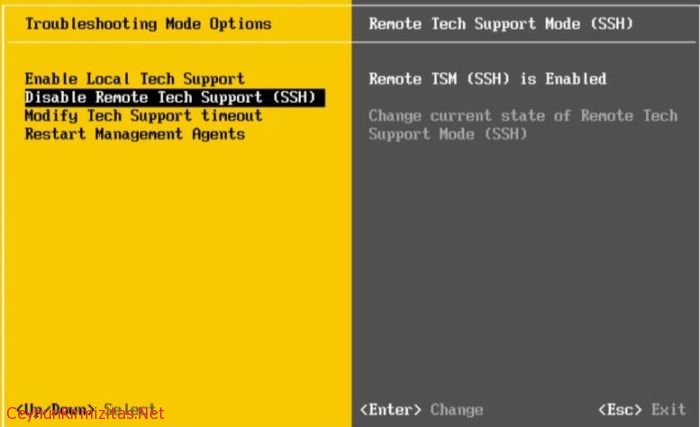
The Tech Support Mode or TSM is a sort of simple version of the system console that was available on the classic versions of ESX. Except that the TSM mode is not Linux based and does not have all the capabilities. But you can now access Tech Support Mode locally or via SSH if you follow the instructions below to enable them. To enable local or remote TSM from the Direct Console User  Interface (DCUI): At the DCUI of the ESXi host, press F2 and provide credentials when prompted. Scroll to Troubleshooting Options, and press  Enter. If you want to enable local TSM, select Local Tech  Support and press Enter once. This allows users to login on the  virtual console of the ESXi host.If you want to enable remote  TSM,…
Read More
How to Uninstall Windows Internal Database

How to Uninstall Windows Internal Database

Microsoft
It is not usually necessary to uninstall Windows Internal Database, but sometimes you may need to uninstall or remove Windows Internal Database. It is not possible to remove this application with Add or Remove Programs, and it will not be uninstalled. Because multiple applications and services use the same instance of Windows Internal Database, removing these applications and services does not remove the data store. Important: Uninstalling Windows Internal Database is not recommended, because it may affect other applications that may be using the same database instance. To uninstall Windows Internal Database Open a command shell. On 32-bit platforms: msiexec /x {CEB5780F-1A70-44A9-850F-DE6C4F6AA8FB} callerid=ocsetup.exe On 64-bit platforms: msiexec /x {BDD79957-5801-4A2D-B09E-852E7FA64D01} callerid=ocsetup.exe
Read More