How to Perform SYSVOL Migration from FRS to DFRS Replication

How to Perform SYSVOL Migration from FRS to DFRS Replication

Video Tutorials, Windows Server
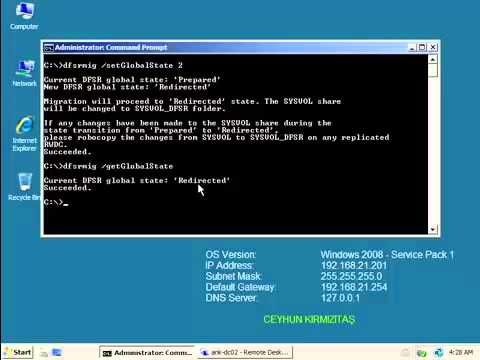
Domain controllers use a special shared folder named SYSVOL to replicate logon scripts and Group Policy object files to other domain controllers. Windows 2000 Server and Windows Server 2003 use File Replication Service (FRS) to replicate SYSVOL, whereas Windows Server 2008 uses the newer DFS Replication service when in domains that use the Windows Server 2008 domain functional level, and FRS for domains that run older domain functional levels. To use DFS Replication to replicate the SYSVOL folder, you can use the procedure that is discussed in this video tutorial to migrate replication to DFS Replication. Pre-Requisites: Check Active Directory health using DCDiag and Repadmin and make sure there are not errors. Use net share from elevated command prompt on all DCs to check Netlogon and SYSVOL share status. Change…
Read More
How to Install Data Protection Manager 2010 on Windows Server 2008 R2 SP1

How to Install Data Protection Manager 2010 on Windows Server 2008 R2 SP1

System Center, Video Tutorials
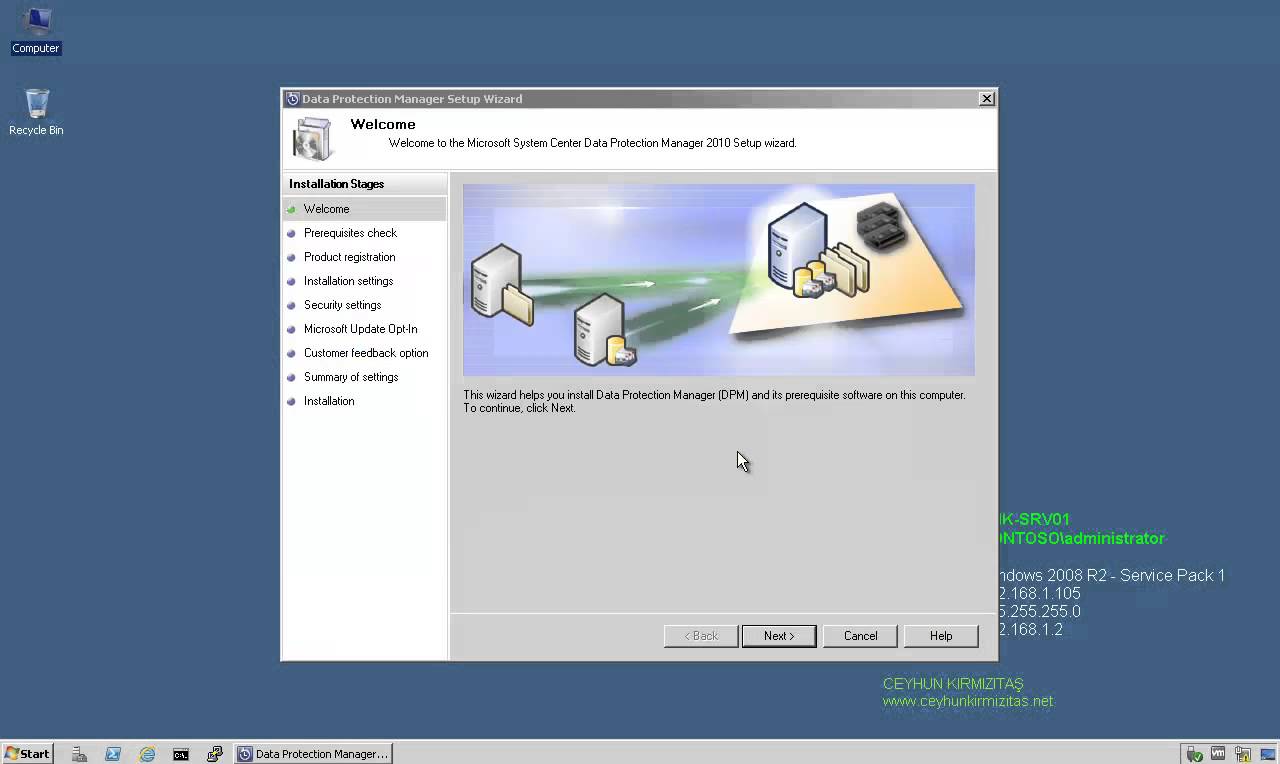
A System Center Data Protection Manager (DPM) 2010 installation includes two primary tasks: installing the DPM prerequisite software and installing the DPM application. The DPM Setup Wizard guides you through the process of specifying the DPM installation settings, and automatically installs the prerequisite software as part of an integrated DPM installation process. Important Note: DPM 2010 is not supported on the Turkish language version of Windows Server 2008 or Windows Server 2008 R2. If the automatic installation of one or more of the DPM prerequisite software products fails, you can install the prerequisite software manually. Before installing DPM, note the following: All computers that you use for your DPM installation must meet at least the minimum hardware and software requirements. DPM Setup stops the Removable Storage service before installing DPM. After you install DPM, you…
Read More
Error 0x80092013: The revocation function was unable to check revocation because the revocation server was offline

Error 0x80092013: The revocation function was unable to check revocation because the revocation server was offline

Windows Server
Problem: You followed all steps from a Deploying SSTP Remote Access Step by Step Guide. However, when vista or windows 7 client tries to connect VPN server you get this error: " The revocation function was unable to check revocation because the revocation server was offline. " Workaround: The SSL VPN client needs to be able to download the CRL to confirm that the server certificate on the VPN server has not been revoked. You must either publish the CRL on a server that is accessible on the Internet or configure the client to not require CRL checking.. Because it exposes a private server name to the Internet, you can do the following as an alternative solution. Solution: Disable CRL Checking on VPN Client To disable CRL checking, create a…
Read More

How to Perform Authoritative DC Restore for Windows Server 2008

Video Tutorials, Windows Server
When a domain contains more than one domain controller, Active Directory replicates directory objects, such as users, groups, organizational units, and computers, to all the domain controllers in that domain. Authoritative restore is a method to recover objects and containers that have been deleted for AD DS. An authoritative restore marks specific data as current and prevents the replication from overwriting that data. The authoritative data is then replicated throughout the domain. The process for performing an authoritative restore of AD is the same as a Non-authoritative restore except for one step. After the restore of AD is complete in DSRM and then, before restarting, you manually run Ntdsutil, and the mark the object that you want to restore as Authoritative.
Read More

How to use Microsoft Outlook 2010 Inbox Repair Tool to Fix a PST File Automatically

Office
This article provides a step-by-step tutorial on how to use the included Outlook 2010 Inbox Repair Tool, also known as Scanpst.exe. From time to time, the .pst or Personal Folders file used for everything (email, calendar, contacts, tasks & more) in Outlook gets corrupted or damaged. The Outlook 2010 ScanPst.exe .PST Recovery Tool You need to navigate to this path using Windows Explorer: Hard Drive Letter:\Program Files\Microsoft Office\OFFICE14, inside this folder, you're looking for this particular setup file: "Scanpst.exe" When you run the .exe, you'll need to Browse to your current .pst file and hit Start: The Inbox Repair Tool will now scan the corrupted .PST file for errors: If your PST file is recoverable, you'll see the repairable errors show up in the scan results. To fix them, select…
Read More
How to Disable Negative DNS Caching (NAK) on Windows DNS Clients

How to Disable Negative DNS Caching (NAK) on Windows DNS Clients

Microsoft
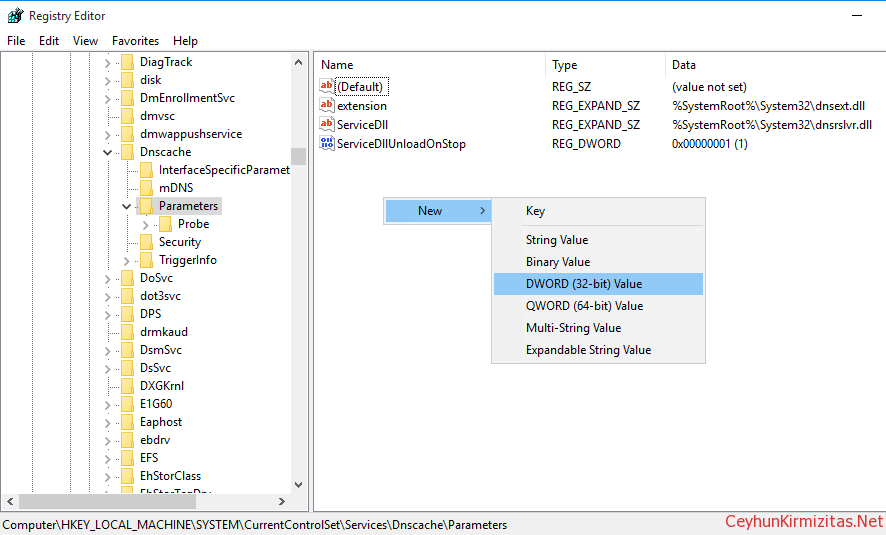
If Windows DNS client gets a negative response from its DNS server, then the client caches this NAK responses for 15 minutes (negative responses) by default. You can use the Ipconfig tool to view and to flush the DNS resolver cache. After you flush the cache, the computer must query DNS servers again for records. To delete the entries in the DNS resolver cache, type ipconfig /flushdns at a command prompt. Sometimes you need to disable negative caching especially if you use unreliable Service Provider DNS Servers. Warning: Edit the Registry at your own risk. Steps to Disable Negative DNS Caching Start Registry Editor (Regedit.exe). Locate and then click the following key in the registry: HKEY_LOCAL_MACHINE\SYSTEM\CurrentControlSet\Services\Dnscache\Parameters On the Edit menu, point to New , click DWORD (32-bit) Value, and then add the following registry…
Read More

Windows Server 2008 R2 Best Practices in VMware vSphere 4.X

VMware, Windows Server
Be sure the virtual machine has at least 2GB of RAM. Hard drive for the virtual machine must be 20GB or larger. Single VCPU works better for Windows 2008, Because Windows 2008 uses high bit rate address space for context switching when compared with Windows 2003, which creates multiple cycles of high bit range contexts and these are better addressed by Single VCPU. (this again vary if it is a DB server). VCPU will get hit, when VMware have wide variety of hardware components attached to VM (Majorly Serial and Parallel COM ports, USB controllers, Sound Cards etc), if any of these components are not required, remove them and disable them from VM BIOS. Zeroed Thick: Space required for the virtual disk is allocated at creation time, hoVMwarever the data…
Read More

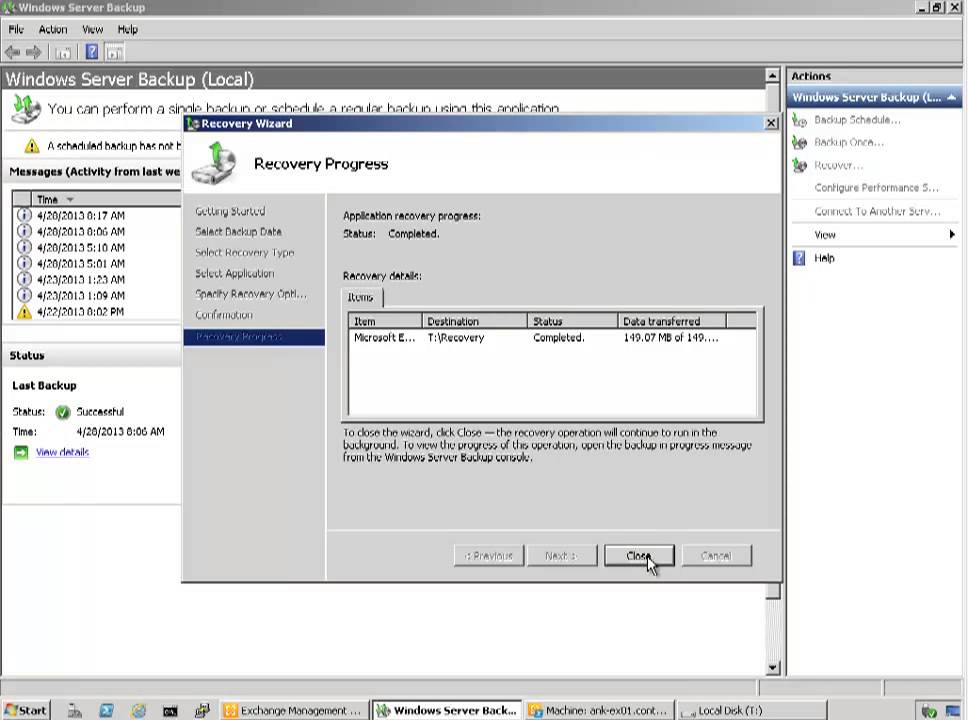
How to Perform Step by Step Exchange 2010 Single Mailbox Item Restore with Windows Server Backup

Exchange Server, Video Tutorials
Exchange Server 2010 no longer has the notion of Storage Groups, which were used in Exchange 2007 and 2003 to contain logical groupings of databases. Exchange 2010 now simply lets you create databases on mailbox servers. The difference is that in Exchange 2003/2007, you created a Recover Storage Group (RSG) to restore the database into. In Exchange 2010, you simply restore the database and connect to it as a Recovery Database (RDB). While the main purpose of Exchange backup is to enable server, storage, and datacenter disaster recovery scenarios, a common and routine request of Exchange admins is to restore an individual mailbox. Microsoft does not provide a native and fully automated way to granularly restore a single mailbox from an Exchange database backup. In this video I'll demonstrate the…
Read More

Event ID: 16 Client Access server failed to proxy Exchange Web Services to Active Directory site

Exchange Server
Log Name:      Application Source:        MSExchange Web Services Event ID:      16 Task Category: Core Level:         Error Keywords:      Classic User:          N/A Description: Client Access server Internet-Facing-CAS-Name failed to proxy Exchange Web Services to Active Directory site CN=Default-First-Site-Name,CN=Sites,CN=Configuration,DC=yourdomain,DC=tld because there are no applicable Client Access servers in the destination site. Please check the configuration of the servers in site [No Server]. If you have an Exchange Server 2010 infrastructure that contains more than 1 Client Access Server (CAS) with 1 Internet facing and the rest are not, then you may see this error message in application log in Internet Facing CAS server. The problem is that the Internet Facing CAS proxies the request for Exchange Web Services (EWS) to the Non-Internet facing CAS. It is failing because the servers are not trusting the…
Read More