How to Install SQL Server 2008 R2 SP1 for Data Protection Manager 2010

System Center, Video Tutorials
A System Center Data Protection Manager (DPM) 2010 installation includes two primary tasks: installing the DPM prerequisite software and installing the DPM application. The DPM Setup Wizard guides you through the process of specifying the DPM installation settings, and automatically installs the prerequisite software as part of an integrated DPM installation process. Important Note: DPM 2010 is not supported on the Turkish language version of Windows Server 2008 or Windows Server 2008 R2. Supported Databases For the DPM database, DPM 2010 requires a dedicated instance of the 64-bit or 32-bit version of any of the following SQL Server versions: SQL Server 2008 with Service Pack 3 SQL Server 2008 R2 with Service Pack 1 When you use a remote instance of SQL Server with the DPM 2010 installation, you must install the remote instance of SQL Server before you install DPM 2010.
Read More

How to Install VMware vCenter Server 5.1 U1 with Microsoft SQL Server 2012 on Windows Server 2012

Video Tutorials, vSphere
it’s possible to install vCenter Server on Windows Server 2012. Also a Microsoft SQL 2012 is supported as an external database. Since the vSphere 5.1, the architecture of vCenter has changed and another database is present – SSO (single sign on database). So there are three databases for vCenter: VMware vSphere 5.1 Single Sign-On VMware vSphere vCenter server VMware Update Manager All those database can be installed on a separate Microsoft SQL Server 2012 (this post) or on the same VM as vCenter server. SQL 2008R2 Express is still the database which is bundled with the VMware vSphere. VMware vCenter Server VM requirements: 64-bit system DSN to connect to its database I recommend getting the latest patches from Microsoft before going further.
Read More
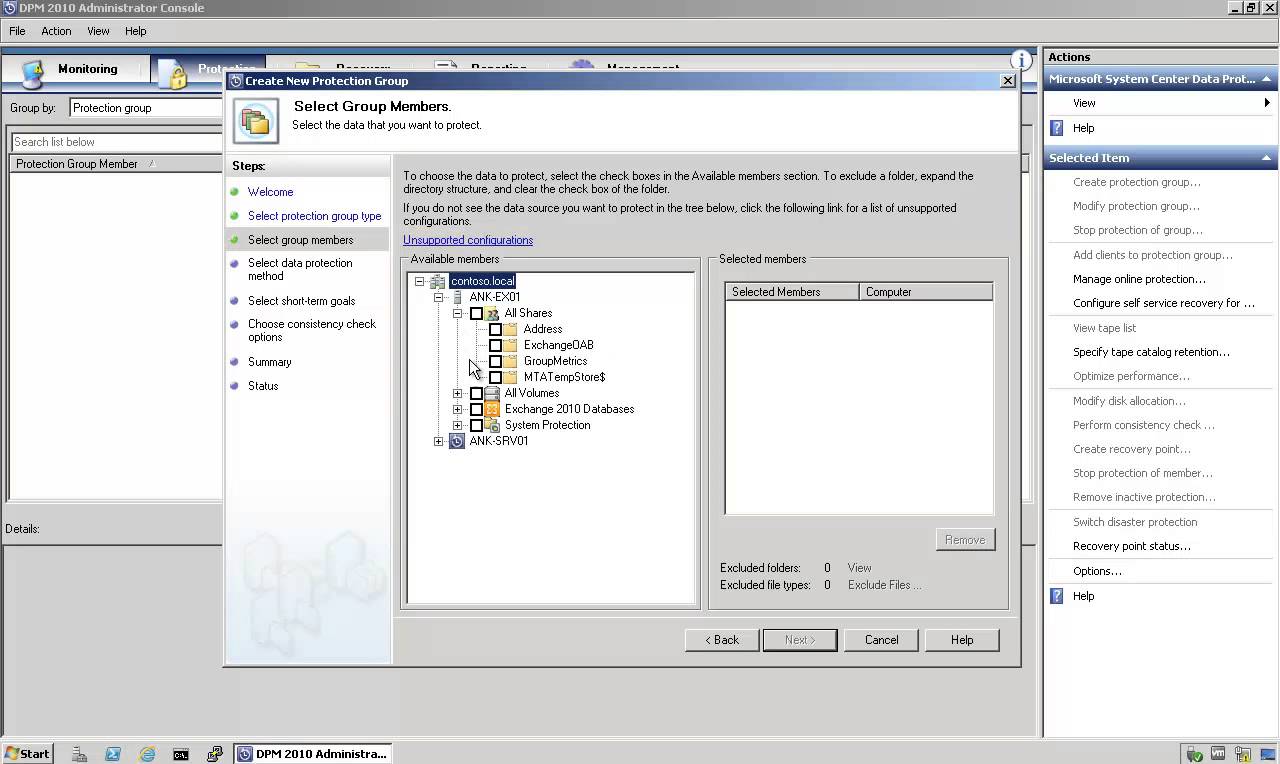
How to Backup and Restore Exchange 2010 Mailbox Database with DPM 2010

How to Backup and Restore Exchange 2010 Mailbox Database with DPM 2010

Exchange Server, System Center, Video Tutorials
DPM 2010 supports the following five types of recovery for Exchange Server 2010 mailbox databases: Recover the database to its original location: Overwrite the existing copy of the database. Recover the database to an alternate database: Restore to another database on an Exchange Server. Recover to an Exchange Recovery database: Recover to an Exchange Recovery database instead of a standard mailbox database. Recover to network location: Copy the database to a network folder. Copy to tape: Create an on-tape copy of the database.
Read More