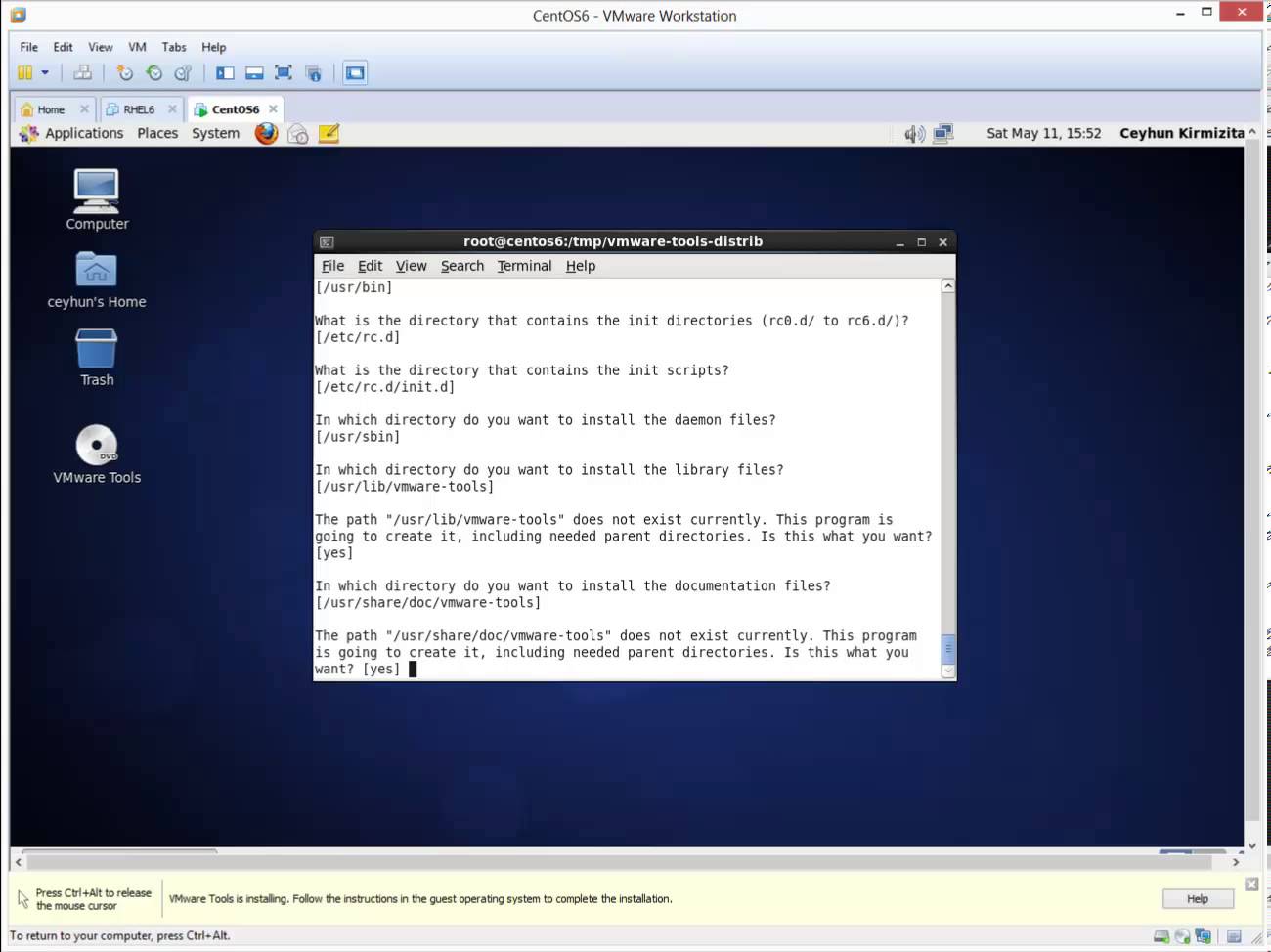
How to Install VMware Tools in CentOS 6.4

How to Install VMware Tools in CentOS 6.4

Linux, Video Tutorials, Workstation
VMware Tools is an optional, free set of drivers and utilities that enhances both the performance of a virtual machine’s guest operating system and interaction between the guest and the host. From time to time I find clients have not installed the VMware tools in their virtual machine’s (VM) operating system. Although the guest operating system can run without VMware Tools, you lose important functionality and convenience. Related Video:  https://www.youtube.com/watch?v=pO7iZbuTYJU
Read More
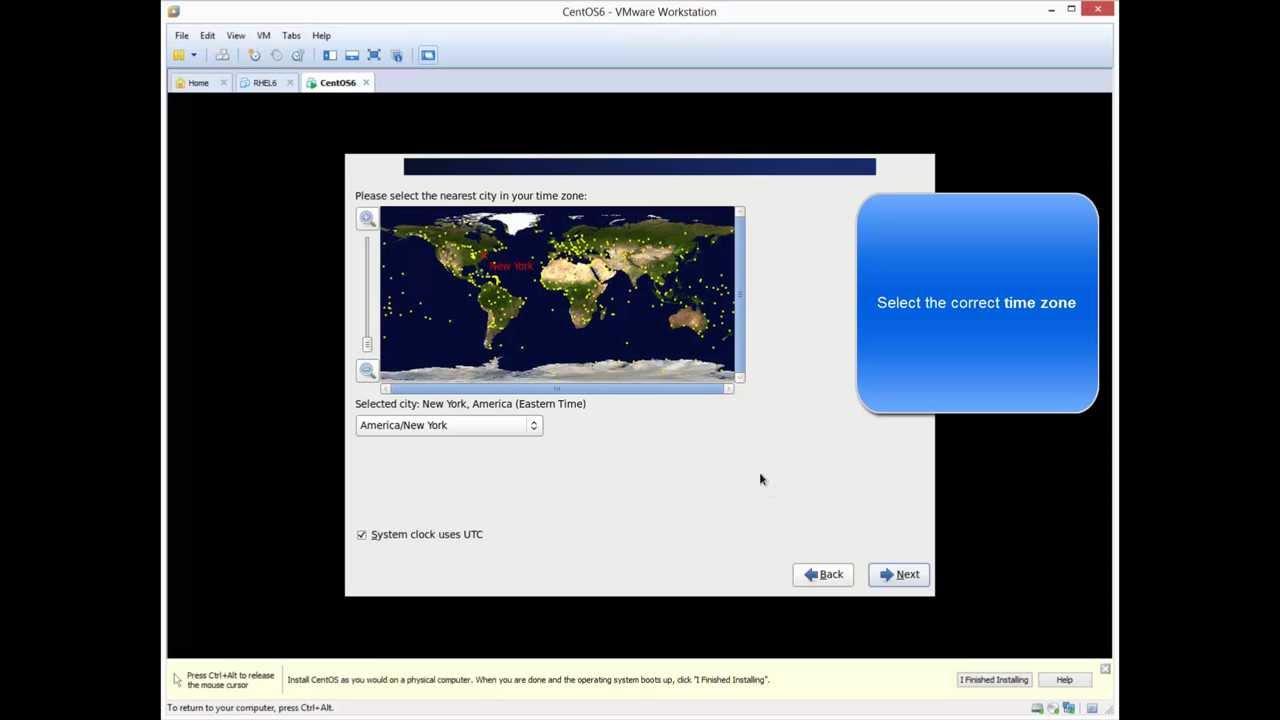
Installing CentOS 6.4 in VMware Workstation 9.0.2

Installing CentOS 6.4 in VMware Workstation 9.0.2

Linux, Video Tutorials, Workstation
What is CentOS? CentOS, which stands for the Community Enterprise Operating System, is a distribution of the Linux operating system based on Red Hat Enterprise Linux (RHEL). It is currently the most popular Linux distribution for web servers. CentOS uses the Red Hat source code base to create a product similar to RHEL. Unlike RHEL however, CentOS does not require a paid subscription. In January 2014, Red Hat announced that it would sponsor the CentOS project. As the result of these changes, ownership of CentOS trademarks was transferred to Red Hat. Related Video:  https://www.youtube.com/watch?v=pO7iZbuTYJU
Read More
Install Fedora 19 KDE Desktop Edition in VMware Workstation 9

Install Fedora 19 KDE Desktop Edition in VMware Workstation 9

Red Hat - CentOS - Fedora, Video Tutorials, Workstation
Anaconda installer for Fedora 18 was a complete mess after its installer user-interface was redone. The Fedora 19 KDE installation is fairly simple and easy process. The Best Features Of Fedora 19 Fedora 18 is one of the first major tier-one Linux distributions shipping the GCC 4.8 compiler by default. GCC 4.8 has a whole lot of improvements from faster performance for some workloads to better instruction set coverage on new processors and full C++11 support. GNOME 3.8, KDE Plasma 4.10, and MATE 1.6 are among the Linux desktop environment options available on Fedora 19. GNOME 3.8, of course, is the default desktop environment for Fedora Linux 19. RPM 4.11 is now in use for package management and it brings better performance, lower memory usage, better file conflict detection, and…
Read More