Install and Configure DHCP Server on CentOS 6.x – RHEL 6.x

Install and Configure DHCP Server on CentOS 6.x – RHEL 6.x

Red Hat - CentOS - Fedora, Video Tutorials
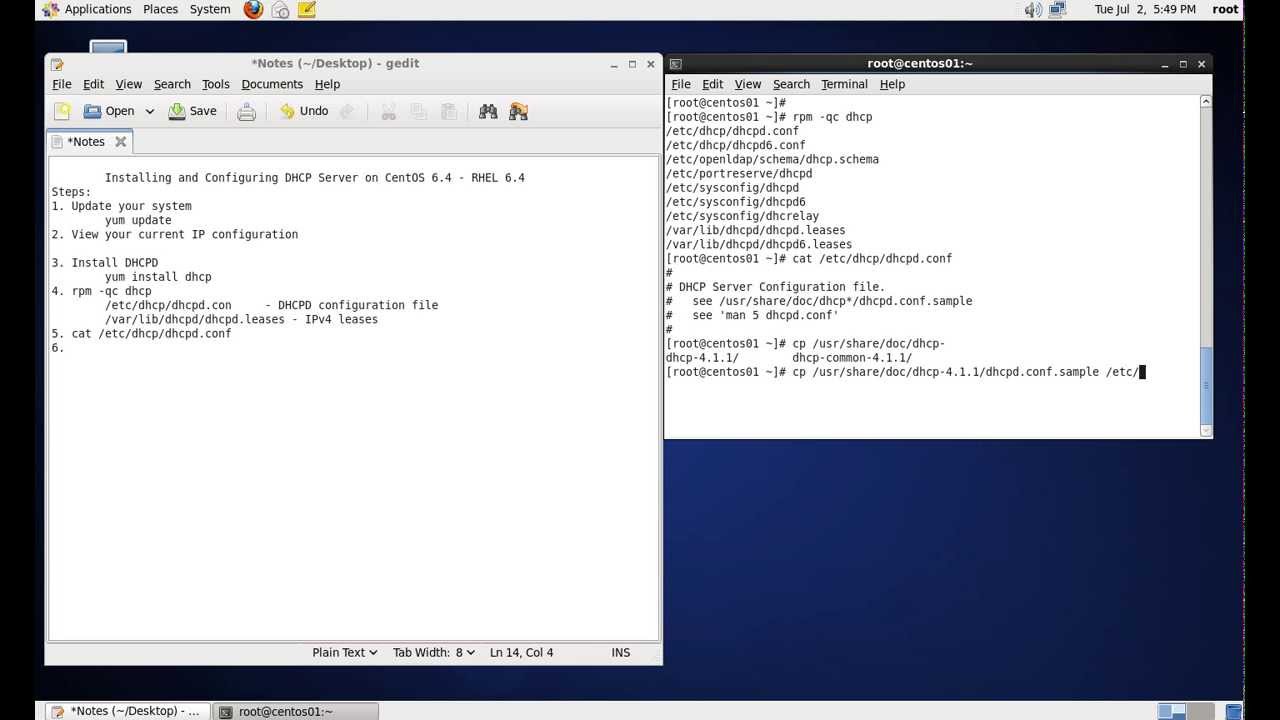
What is DHCP? DHCP stands for Dynamic Host Configuration Protocol. DHCP is a standardized network protocol used on Internet Protocol networks for dynamically distributing network configuration parameters, such as IP addresses for interfaces and services. DHCP is configured in a server-client model. DHCP server is the one assigning IP Addresses to client computers on the network. Each client is assigned a unique IP Address. DHCP server has a number of IP Addresses available in it’s pool. Steps: 1. Install DHCP yum install dhcp rpm -qc dhcp /etc/dhcp/ - container for DHCPD configuration /etc/dhcp/dhcpd.conf - IPv4 config /var/lib/dhcpd - container for leases /var/lib/dhcpd/dhcpd.leases - IPv4 leases 2. Enable DHCPD service chkconfig dhcpd on 3. View dhcpd.conf file cat /etc/dhcp/dhcpd.conf 4. Copy sample conf file to /etc/ cp /usr/share/doc/dhcp-4.1.1/dhcpd.conf.sample  /etc/dhcp/dhcpd.conf 5. Edit the…
Read More
How to Restore Exchange 2010 Mailbox to Different Mailbox

How to Restore Exchange 2010 Mailbox to Different Mailbox

Exchange Server, Video Tutorials
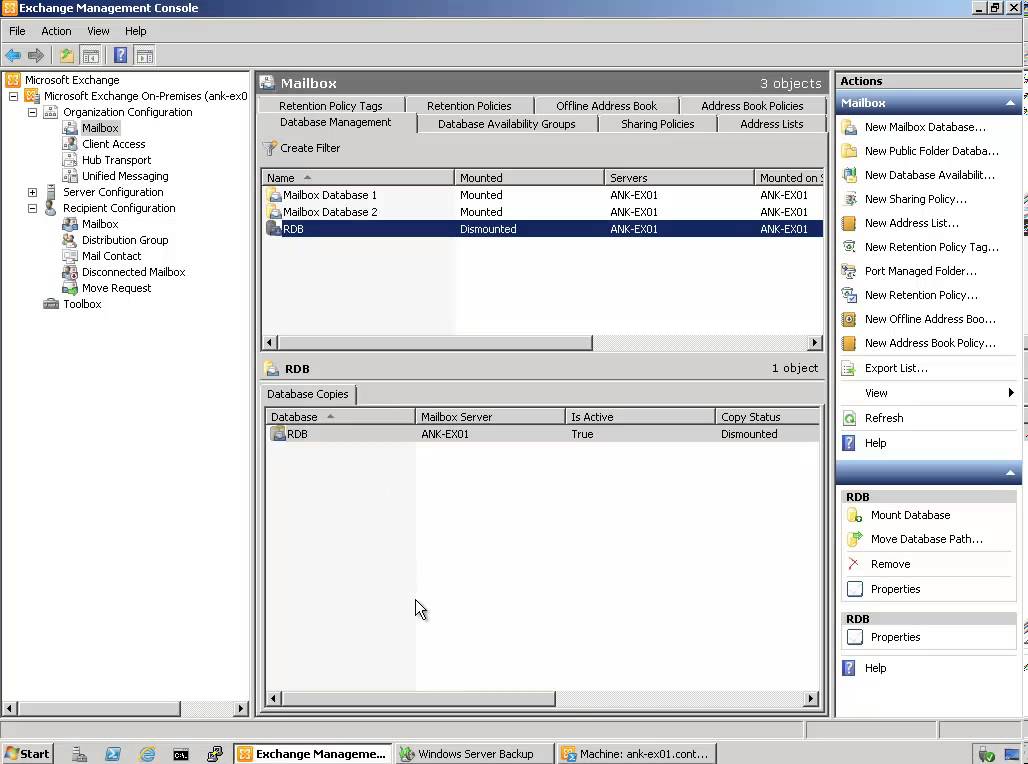
Exchange 2010 no longer has the notion of Storage Groups, which were used in Exchange 2007 and 2003 to contain logical groupings of databases. Exchange 2010 now simply lets you create databases on mailbox servers. The difference is that in Exchange 2003/2007, you created a Recover Storage Group (RSG) to restore the database into. In Exchange 2010, you simply restore the database and connect to it as a Recovery Database (RDB). First,  you have to have a good backup that contains the item to be recovered. Windows Server 2008 and Windows Server 2008 R2 have the built-in Windows Server Backup feature. I cover how to use Windows Server Backup to backup Exchange in this article. Without the ability to restore an individual mailbox, it is necessary to first restore an entire…
Read More
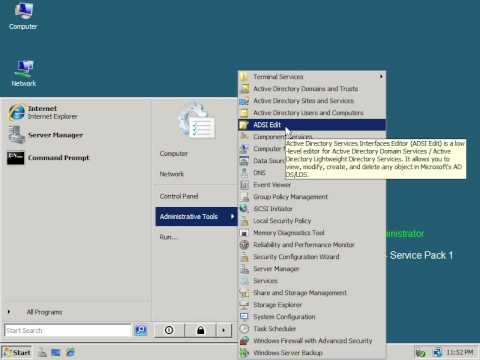
How to Configure Windows 2008 Fine-Grained Password Policy

How to Configure Windows 2008 Fine-Grained Password Policy

Video Tutorials, Windows Server
In previous versions of Active Directory, we had only one password policy for the entire domain. Some companies had to use multiple domains to place different password policies on different users or buy third party solutions. In Windows Server 2008, you can use fine-grained password policies to specify multiple password policies and apply different password restrictions and account lockout policies to different sets of users within a single domain. Password polices are designed to control what kind of password a user can have and how often the user needs to change it. Strong password policies are important to help protect your system and data.
Read More
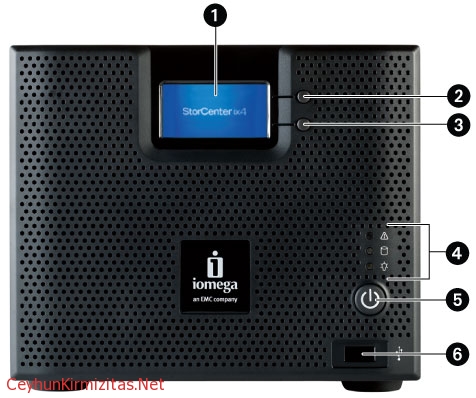
Iomega StorCenter NAS ix4-200d Initial Configuration

Iomega StorCenter NAS ix4-200d Initial Configuration

Storage
This article provides step-by-step instructions for the initial setup of your device. If you are configuring more than one StorCenter, completely configure one device before starting up the next device. 1- The StorCenter Manager opens automatically to begin the Device Setup Wizard. Click Next to start the Device Setup. If the StorCenter Manager software does not detect the storage device, the Hardware Setup Wizard screen displays explaining how to properly connect the wiring. Once communication is established, the Device Setup Wizard begins. Click Next to start the Device Setup. 2- Identify your storage device on the network. Enter the following information and click Next to continue: Storage Device Name: Enter a name to identify the StorCenter device on your network. The device name should be unique and cannot include, spaces,…
Read More
The replica of Exchange Mailbox Database is inconsistent – Data Protection Manager 2010

The replica of Exchange Mailbox Database is inconsistent – Data Protection Manager 2010

System Center
Description: The replica of Exchange Mailbox Database on ExchangeServerNameFQDN is inconsistent with the protected data source. All protection activities for data source will fail until the replica is synchronized with consistency check. You can recover data from existing recovery points, but new recovery points cannot be created until the replica is consistent. Data consistency verification check failed for LOGS of Exchange Mailbox Database on ExchangeServerNameFQDN. (ID 30146 Details: Unknown error (0xc0000135) (0xC0000135)) Recommended action: Copy " eseutil.exe and ese.dll " from Exchange Server " C:\Program Files\Microsoft\Exchange Server\V14\Bin " to the DPM server " C:\Program Files\Microsoft DPM\DPM\bin " folder.
Read More
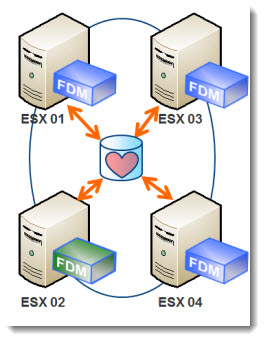
vSphere 5 ? New High Availability Agent ? FDM

vSphere 5 ? New High Availability Agent ? FDM

VMware
Another new feature in vSphere 5 is the way it?s handled the HA process. There is no more AAM agent like in vSphere 4.1. Instead, there has been a new agent introduced which is named FDM ? Fault Domain Manager. The Primary/Secondary concept with 5 primary nodes which has been known in vSphere 4, is gone. You no longer needs to worry not to loose all those 5 primary nodes at the same time ?. and loose the HA functionality for the rest of the cluster. Now there is only one agent in the cluster which plays the role of Master. The agent is called FDM ? Fault Domain Manager. One host takes the role of Master. The other agents on other hosts plays only roles as a Slaves, and…
Read More
Microsoft Exchange POP3 service terminated with the following error: No site name is available for this machine

Microsoft Exchange POP3 service terminated with the following error: No site name is available for this machine

Exchange Server
Problem: The Microsoft Exchange POP3 service terminated with the following error: No site name is available for this machine. Solution Associate a Subnet with Default-First-Site-Name Open Active Directory Sites and Services Console. Double-click the Sites node that corresponds to the Site where the Exchange Server resides, and then right-click Subnets. Click New Subnet on the shortcut menu. Type the IP address, and the subnet mask of the subnet, and then click Default-First-Site-Name on the Site Name list. Click OK to close the New Object-Subnet dialog box. Set the Site Membership Start Registry Editor, Regedit.exe. Locate and click the following registry key: HKEY_LOCAL_MACHINE\System\CurrentControlSet\Services\Netlogon\Parameters On the Edit menu, point to New, and then click String Value. Type SiteName to change the name of the newly created value, and then press ENTER. Double-click the…
Read More
Install and Configure VSFTPD FTP Server – RHEL 6 – CentOS 6

Install and Configure VSFTPD FTP Server – RHEL 6 – CentOS 6

Red Hat - CentOS - Fedora, Video Tutorials
When you think of transferring files, you probably think of the File Transfer Protocol (FTP) because it has been around for so long. While simple to use, FTP has become obsolete because it lacks the ability for secure file transfers. vsftpd (Very Secure File Transport Protocol Daemon) is a secure, fast FTP server for Unix/Linux systems. Steps: 1. Install vsftpd yum install vsftpd 2. Enable vsftpd service chkconfig vsftpd on 3. Start vsftpd service service vsftpd start 4. Check ftp port netstat -ntl | grep 21 5. Test ftp server access FTP server is running and anonymous access is enabled by default 6. Disable anonymous access Edit /etc/vsftd/vsftpd.conf anonymous_enable=NO 7. Enable dual logging dual_log_enable=YES It created /var/log/vsftpd.log file which uses vsftpd log format 8. Enable server time for display of…
Read More
How to Perform Windows Server 2008 DC Deployment from IFM Media

How to Perform Windows Server 2008 DC Deployment from IFM Media

Video Tutorials
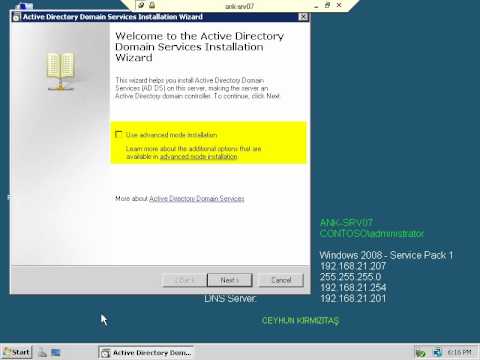
Install from media (IFM) was first introduced in Windows Server 2003. We can use the Install from media (IFM) option to install an Additional Domain Controller in an existing domain is the best option such as a branch office scenario. IFM option is the best for deployment Additional Domain Controller at the branch office which will minimize replication traffic during the Installation. Using the IFM method, you can dramatically reduce the amount of replication traffic that is introduced during the installation of an additional DC. Only objects that were modified, added, or deleted since the installation media was created will be replicated.
Read More
Restart Remote Computers vbscript

Restart Remote Computers vbscript

Scripts
Need to restart all the Windows computers on the network? This script reads a text file populated with computer names and performs the remote remote restart on them. I use this all the time to forcibly restart computers that are still logged on - but in distant locations on the network - when performing system maintenance and software upgrades outside of office hours. ‘ *************************************************************** ‘ * Script to Restart Network Computers ‘ * based on computers names list in a file. ‘ * This script checks computer’s availability first via WMI ping ‘ * Ceyhun Kirmizitas ‘ *************************************************************** On Error Resume Next Dim strComputer Dim objShell, objExec, strCmd, strTemp Set fso = CreateObject("Scripting.FileSystemObject") Set objInputFile = fso.OpenTextFile("Dclist.txt",1,True) Do While objInputFile.AtEndOfLine <> True strComputer = objInputFile.ReadLine WScript.Echo strComputer & "…
Read More