How to use Microsoft Outlook 2010 Inbox Repair Tool to Fix a PST File Automatically

Office
This article provides a step-by-step tutorial on how to use the included Outlook 2010 Inbox Repair Tool, also known as Scanpst.exe. From time to time, the .pst or Personal Folders file used for everything (email, calendar, contacts, tasks & more) in Outlook gets corrupted or damaged. The Outlook 2010 ScanPst.exe .PST Recovery Tool You need to navigate to this path using Windows Explorer: Hard Drive Letter:\Program Files\Microsoft Office\OFFICE14, inside this folder, you're looking for this particular setup file: "Scanpst.exe" When you run the .exe, you'll need to Browse to your current .pst file and hit Start: The Inbox Repair Tool will now scan the corrupted .PST file for errors: If your PST file is recoverable, you'll see the repairable errors show up in the scan results. To fix them, select…
Read More
How to Disable Negative DNS Caching (NAK) on Windows DNS Clients

How to Disable Negative DNS Caching (NAK) on Windows DNS Clients

Microsoft
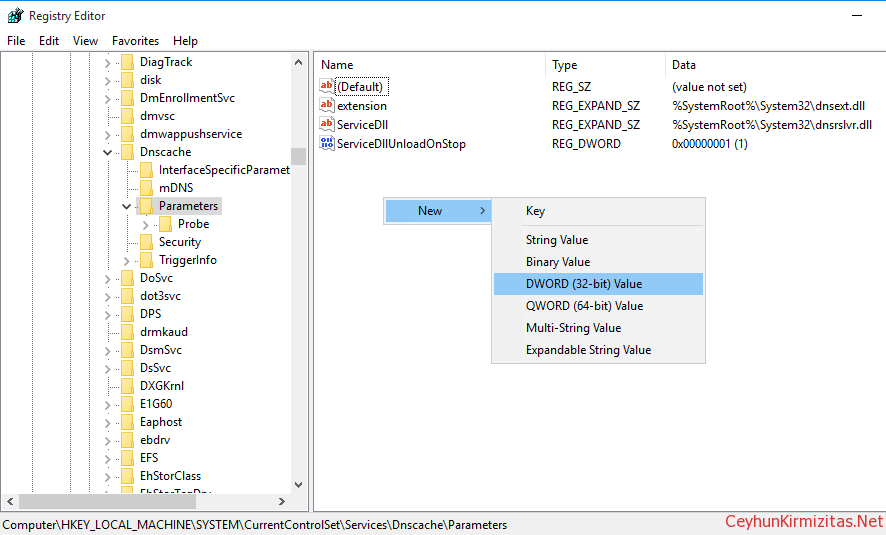
If Windows DNS client gets a negative response from its DNS server, then the client caches this NAK responses for 15 minutes (negative responses) by default. You can use the Ipconfig tool to view and to flush the DNS resolver cache. After you flush the cache, the computer must query DNS servers again for records. To delete the entries in the DNS resolver cache, type ipconfig /flushdns at a command prompt. Sometimes you need to disable negative caching especially if you use unreliable Service Provider DNS Servers. Warning: Edit the Registry at your own risk. Steps to Disable Negative DNS Caching Start Registry Editor (Regedit.exe). Locate and then click the following key in the registry: HKEY_LOCAL_MACHINE\SYSTEM\CurrentControlSet\Services\Dnscache\Parameters On the Edit menu, point to New , click DWORD (32-bit) Value, and then add the following registry…
Read More

Windows Server 2008 R2 Best Practices in VMware vSphere 4.X

VMware, Windows Server
Be sure the virtual machine has at least 2GB of RAM. Hard drive for the virtual machine must be 20GB or larger. Single VCPU works better for Windows 2008, Because Windows 2008 uses high bit rate address space for context switching when compared with Windows 2003, which creates multiple cycles of high bit range contexts and these are better addressed by Single VCPU. (this again vary if it is a DB server). VCPU will get hit, when VMware have wide variety of hardware components attached to VM (Majorly Serial and Parallel COM ports, USB controllers, Sound Cards etc), if any of these components are not required, remove them and disable them from VM BIOS. Zeroed Thick: Space required for the virtual disk is allocated at creation time, hoVMwarever the data…
Read More

How to Install IBM x3850 X5 Intel 82576 and 82580 Gigabit Ethernet Controller on VMware ESXi 4x and ESX 4x

vSphere
The IBM x3850 X5 server is a nice machine. This particular IBM x3850 X5 came with IBM I340-T4 Network Adapters, however they weren't being detected by VMware ESXi 4x. The NICs are supported by vmware but drivers aren't included by default on the ESXi media. You need to manually download the driver packages from VMWare, and inject the driver into ESXi/ESX in order to utilize the NICs. These NICs can be ordered with any IBM System x Server, so you can run into this issue on anything from an IBM x3250 through to an IBM x3950. Driver Install Process: 1- Download the ESX/ESXi 4.x Driver CD for Intel 82576 and 82580 Gigabit Ethernet Controller. Then, mount the ISO, extract the driver bundle from the " offline-bundle " folder. 2- Upload " INT-intel-lad-ddk-igb-2.1.10.2-offline_bundle-268793.zip…
Read More
How to Enable SSL Support for VSFTPD – RHEL 6 – CentOS 6

How to Enable SSL Support for VSFTPD – RHEL 6 – CentOS 6

Red Hat - CentOS - Fedora, Video Tutorials
FTP, or file transfer protocol, was a popular way to transfer files between local and remote computers in the past. Traditional FTP is rather insecure. When you login, your username and password are transmitted in clear text, raising the possibility of your credentials being sniffed. If you still want to use FTP instead of a more secure alternative like SFTP, which uses the SSH protocol to implement file transfers, you can secure it somewhat by configuring FTP to use SSL. You can quite easily configure your vsftpd server to use OpenSSL encryption, so that usernames & password, and even data files, are encrypted during transfer. It takes just a few simple steps. Steps: 1. Check whether the latest mod_ssl installed locate mod_ssl 2. Install the latest mod_ssl via yum yum…
Read More
Common Network Utilities in Linux

Common Network Utilities in Linux

Linux
Computers are connected in a network to exchange information or resources each other. Maintaining of system and network up and running is an essentials task of System or Network Administrator’s job. In this tutorial, I will explain various tools which can be useful when networking with other computers both within the network and across the internet, obtaining more information about other computers. ping - Determine if remote host is up/available telnet - Determine if local/remote service is available netstat - Shows network connections, routing tables, interface statistics netstat -a - dumps ALL sockets with: service/port and hostname resolution netstat -an - same as above, but suppresses name resolution netstat -ntl - suppresses name resolution, shows all TCP and listeners netstat -ntlp - same as above, includes programs bound to ports netstat…
Read More

multiextent loaded successfully – Long Time to Boot ESX/ESXi 4.x hosts with passive MSCS nodes with RDM

VMware
You might experience significant delays while booting your ESX/ESXi 4.x hosts that have passive MSCS nodes with RDM LUNs on a SAN. This could be because conflicts between the LUN SCSI reservations. For ESX and ESXi 4.1 hosts To resolve this issue in ESX/ESXi 4.1 hosts, you must modify the Scsi.CRTimeoutDuringBoot parameter from the GUI. To modify the Scsi.CRTimeoutDuringBoot parameter: Go to Host > Configuration > Advanced Settings. Select SCSI. Change the Scsi.CRTimeoutDuringBoot value to 1. For ESX and ESXi 4.0 hosts The Scsi.UWConflictRetries parameter for ESX/ESXi 4 Update 1 hosts have a default value of 1000. This increases the time spent enumerating LUN and VMFS volumes. To resolve this issue and to speed up the boot process, modify this value to 80. To modify the Scsi.UWConflictRetries parameter from the…
Read More
Installing Arch Linux 2013.05.01 + Xfce 4.10 in VMware Workstation 9

Installing Arch Linux 2013.05.01 + Xfce 4.10 in VMware Workstation 9

Linux, Video Tutorials
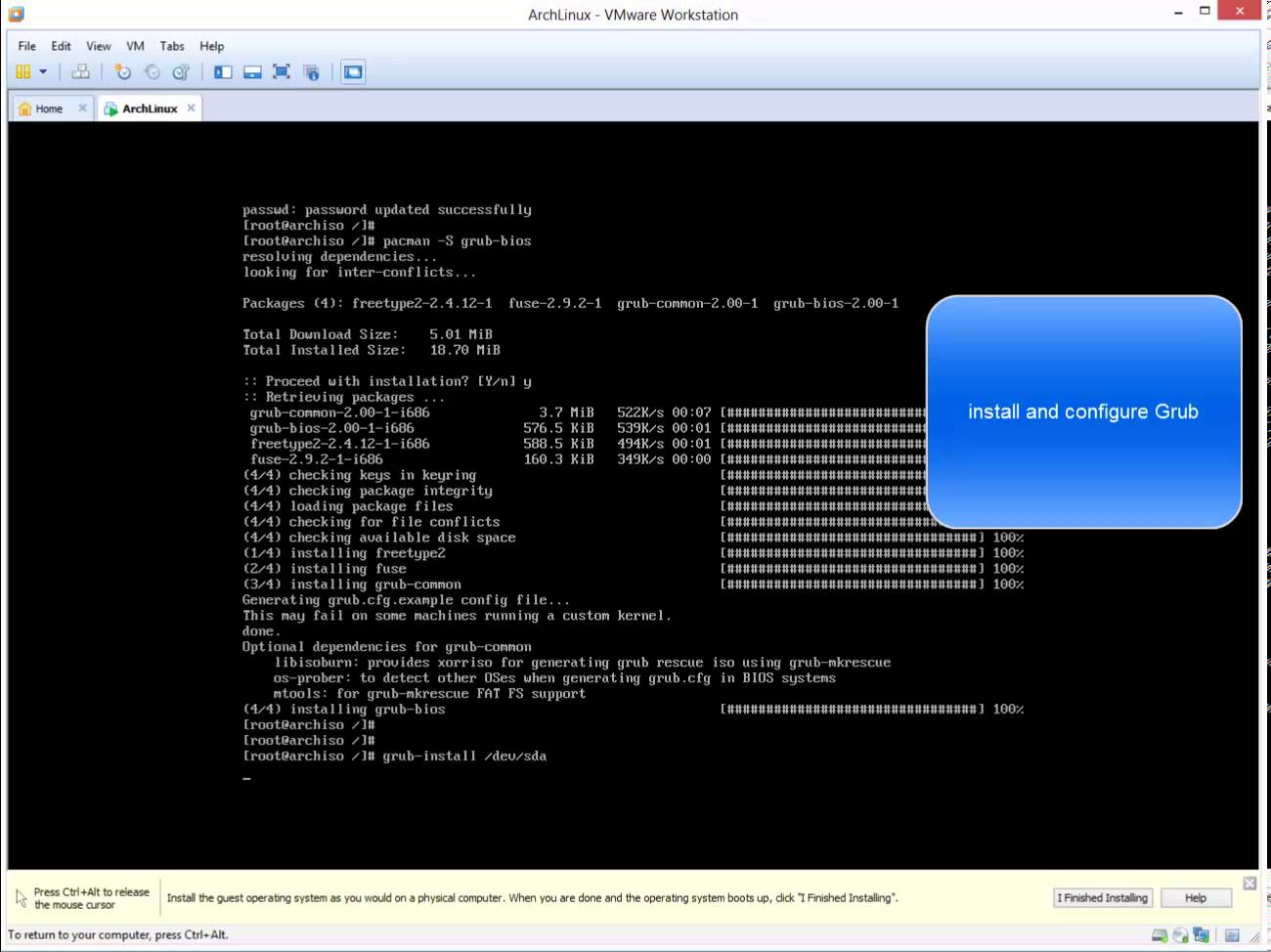
What is Arch Linux? Arch Linux is an independently developed general purpose GNU/Linux distribution. Development focuses on simplicity, minimalism. Arch Linux was founded by Canadian programmer Judd Vinet. Its first formal release, Arch Linux 0.1, was on March 11, 2002. Although Arch is completely independent, it draws inspiration from the simplicity of other distributions including Slackware, CRUX and BSD. Arch Linux is one of my favorite GNU/Linux distributions, however it is not as easy to install as are other Linux distributions. Related Video: https://www.youtube.com/watch?v=8ILPjsZvs8Y Hope you found it informative and useful. Any questions or comments are welcomed.
Read More
How to Perform Windows Server 2008 Complete Server Backup and Restore

How to Perform Windows Server 2008 Complete Server Backup and Restore

Video Tutorials
Windows Server 2008 contains new and updated features to help you create backups and, if needed, perform a recovery of your operating system, applications, and data. You can recover your server operating system or full server by using Windows Recovery Environment and a backup that you created earlier with Windows Server Backup. Using the Windows Recovery Environment on Windows Server 2008 you can perform a bare-metal restore to recover your server operating system or the entire server itself. An operating system restore will only recover critical drive volumes that contain system components. If you would like to restore all volumes, you will need to conduct a full server recovery.
Read More

How to Perform Step by Step Exchange 2010 Single Mailbox Item Restore with Windows Server Backup

Exchange Server, Video Tutorials
Exchange Server 2010 no longer has the notion of Storage Groups, which were used in Exchange 2007 and 2003 to contain logical groupings of databases. Exchange 2010 now simply lets you create databases on mailbox servers. The difference is that in Exchange 2003/2007, you created a Recover Storage Group (RSG) to restore the database into. In Exchange 2010, you simply restore the database and connect to it as a Recovery Database (RDB). While the main purpose of Exchange backup is to enable server, storage, and datacenter disaster recovery scenarios, a common and routine request of Exchange admins is to restore an individual mailbox. Microsoft does not provide a native and fully automated way to granularly restore a single mailbox from an Exchange database backup. In this video I'll demonstrate the…
Read More